

3 Photo Modes Worth Using Before You Finish The Game
These photo modes expose details the normal camera rushes past and provide controls that materially change the shot.
A useful photo mode does more than hide the interface. It lets the player move the camera far enough to find a composition, control focus and exposure, and pause systems that are difficult to inspect during normal play. These three are worth opening before the credits because they reveal work the default camera often passes too quickly.
Horizon Forbidden West: use character controls for close scenes
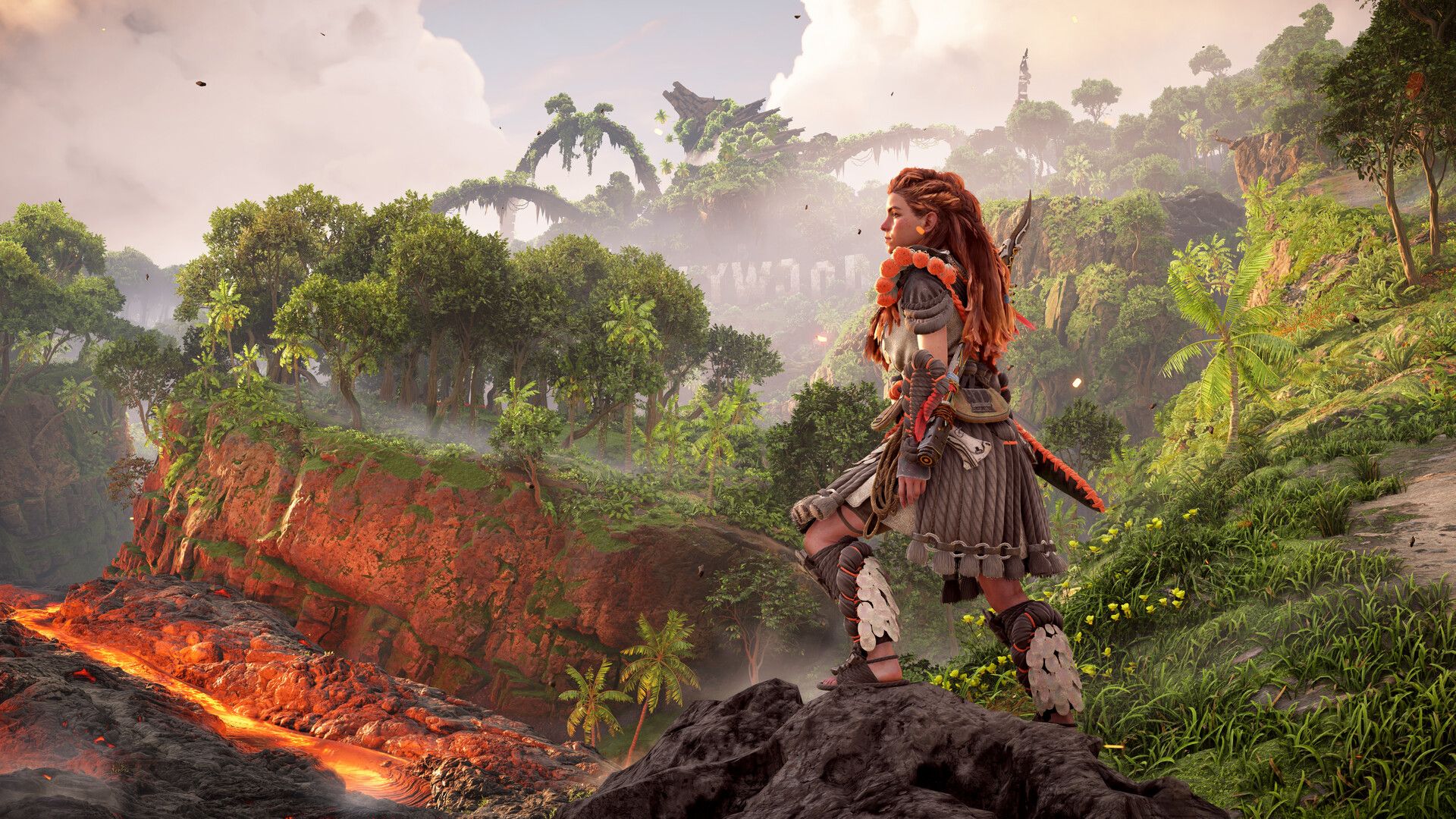
Horizon is strongest when the frame includes Aloy, a machine and readable environmental depth. Start with a longer focal length to reduce wide-angle distortion, then move the camera back instead of placing it close to the face. Character pose and gaze controls can redirect attention without turning the image into a staged promotional shot.
The common mistake is adding a strong filter before fixing exposure. Set the time of day and brightness first, check highlights on armor and sky, then use color adjustments lightly. The machine designs already provide contrast; extra saturation usually removes material detail.
Official store: Horizon Forbidden West Complete Edition
Death Stranding Director's Cut: show the route, not only Sam
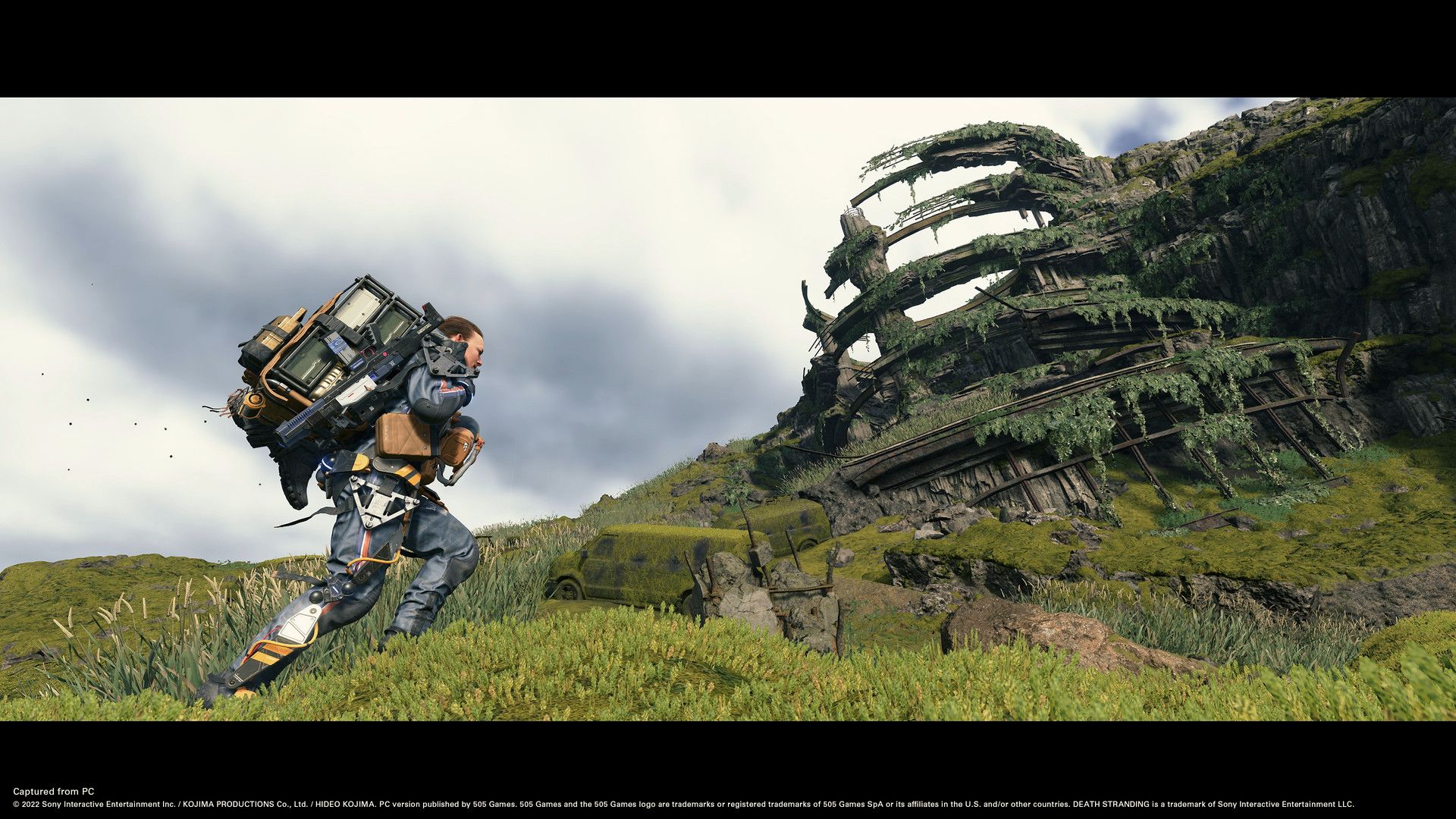
Death Stranding is built around distance, slope and weather. A close portrait can work, but the more distinctive image includes the path Sam has crossed or the obstacle still ahead. Raise the camera enough to separate the subject from rocks and cargo, then keep a road, ridge or river as a line through the frame.
Timefall and particle effects can flatten contrast. Focus on the subject first, then lower exposure until the terrain keeps texture. An image that clearly explains the route usually says more about Death Stranding than a centered character against an empty horizon.
Official store: Death Stranding Director's Cut
Forza Horizon 5: control motion before color
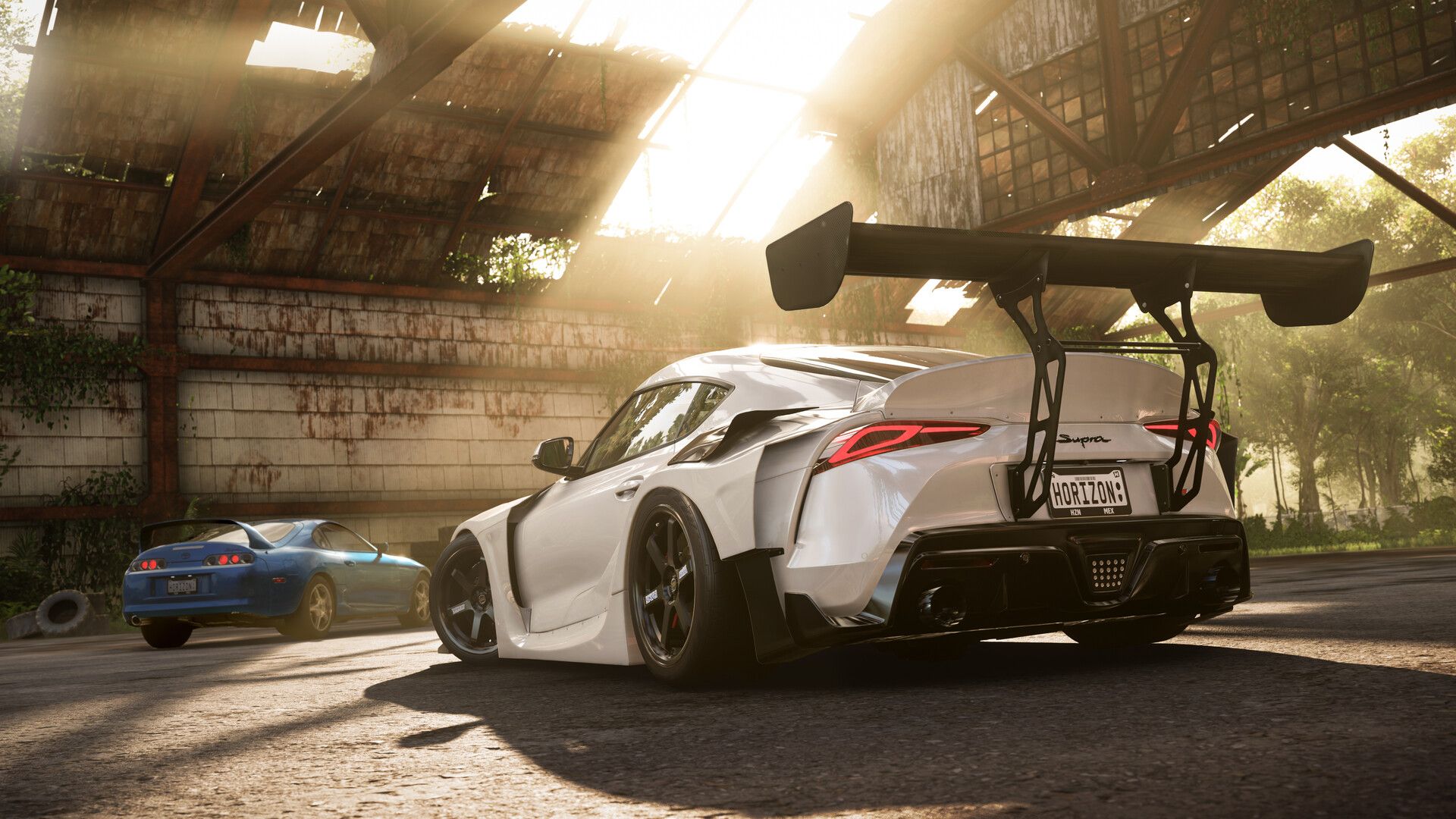
Forza provides the strongest motion tools of the three. Use a low camera near the outside of a corner, keep the car moving across the frame and adjust shutter effects until the wheels and background show speed without making the body unreadable. The result should still communicate the car's shape.
Vehicle paint reacts strongly to sun angle. Rotate the time or camera before pushing contrast. A technically clean shot with readable body lines will age better than an extreme filter that turns the road and sky into the same color.
Official store: Forza Horizon 5
Take the shot before the final mission
These modes are easiest to learn while the game still supplies varied locations and objectives. Save one preset, change one control at a time and compare the result. The useful goal is not a screenshot with every effect enabled. It is an image that shows something the normal gameplay camera did not.