
Six Games That Earn a Place on Your Second Monitor
Six PC games built to share a second monitor, from automated farms and tiny towns to desktop pets, life simulation, and creature collecting.
A second monitor can hold more than chat, music controls, and a browser tab you keep forgetting to close. A small group of PC games is built to stay visible without demanding the screen, sound, or attention normally reserved for the main event.
That does not make every idle game a good fit. The useful ones stay readable in a narrow window, keep moving when ignored, and give you a worthwhile decision when you look back. These six cover farming, town building, pets, life simulation, decoration, and creature collecting without pretending that multitasking turns two demanding games into one relaxing evening.
1. Rusty's Retirement gives the format a proper farm
Rusty's Retirement is the clearest starting point because the farm is designed around the edge of the desktop. Crops become biofuel, biofuel funds expansion, and helper robots take over planting, watering, and harvesting. You still decide what to grow and where the machinery belongs, but the farm does not need constant steering.
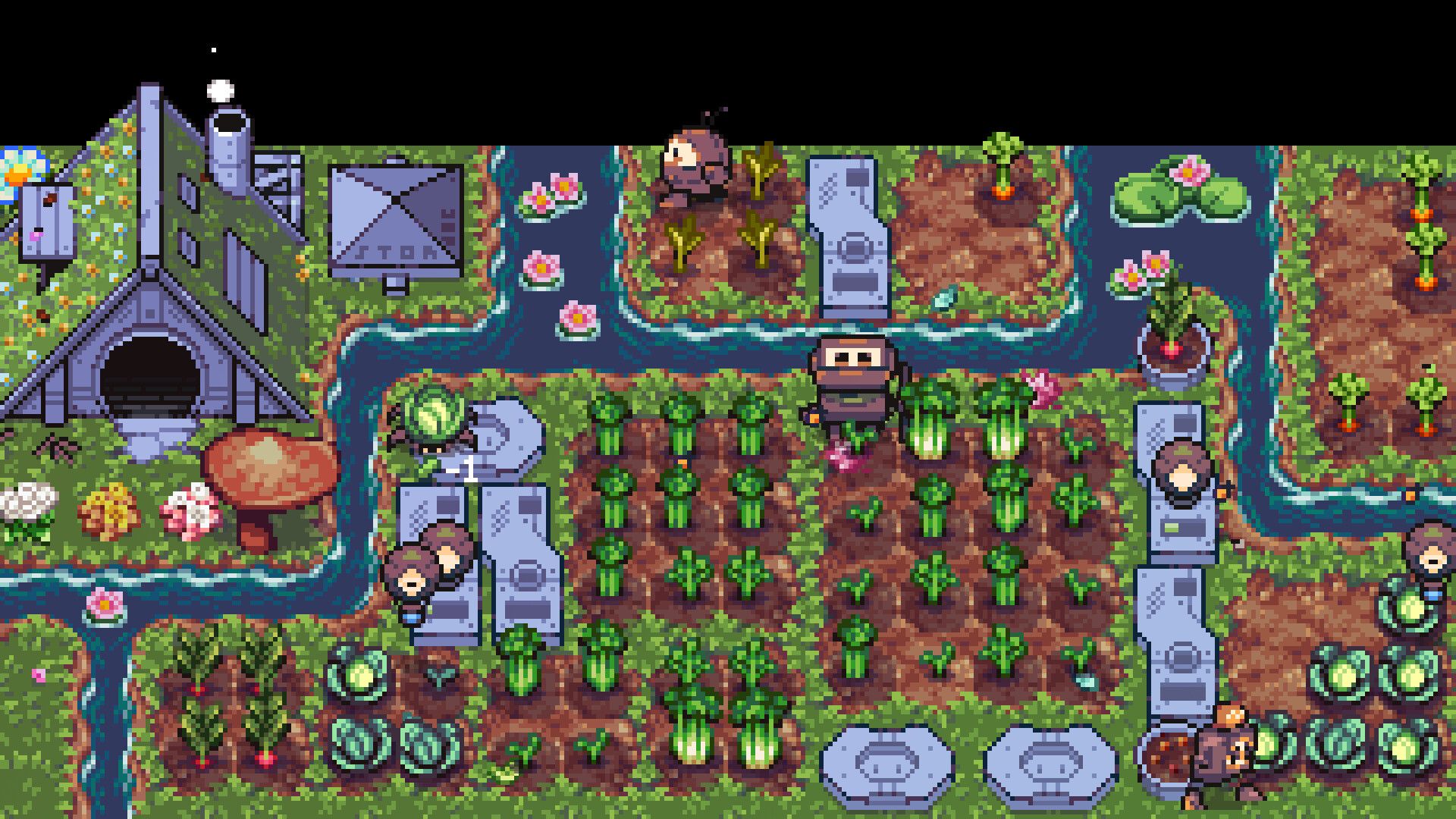
The useful detail is control over how much space and attention it takes. The farm can run horizontally along the bottom or vertically at the side, while Focus Mode slows production when the movement becomes distracting. Pick this when you want a progression loop you can inspect between matches, videos, or longer stretches of another task.
2. Gourdlets is for building without a checklist
Gourdlets trades the production line for a tiny town full of vegetable people. You place buildings, paths, furniture, and decorations, then watch the residents fish, read, camp, and wander through the result. There is no currency to optimize, no fail state, and no objective list waiting to become another obligation.
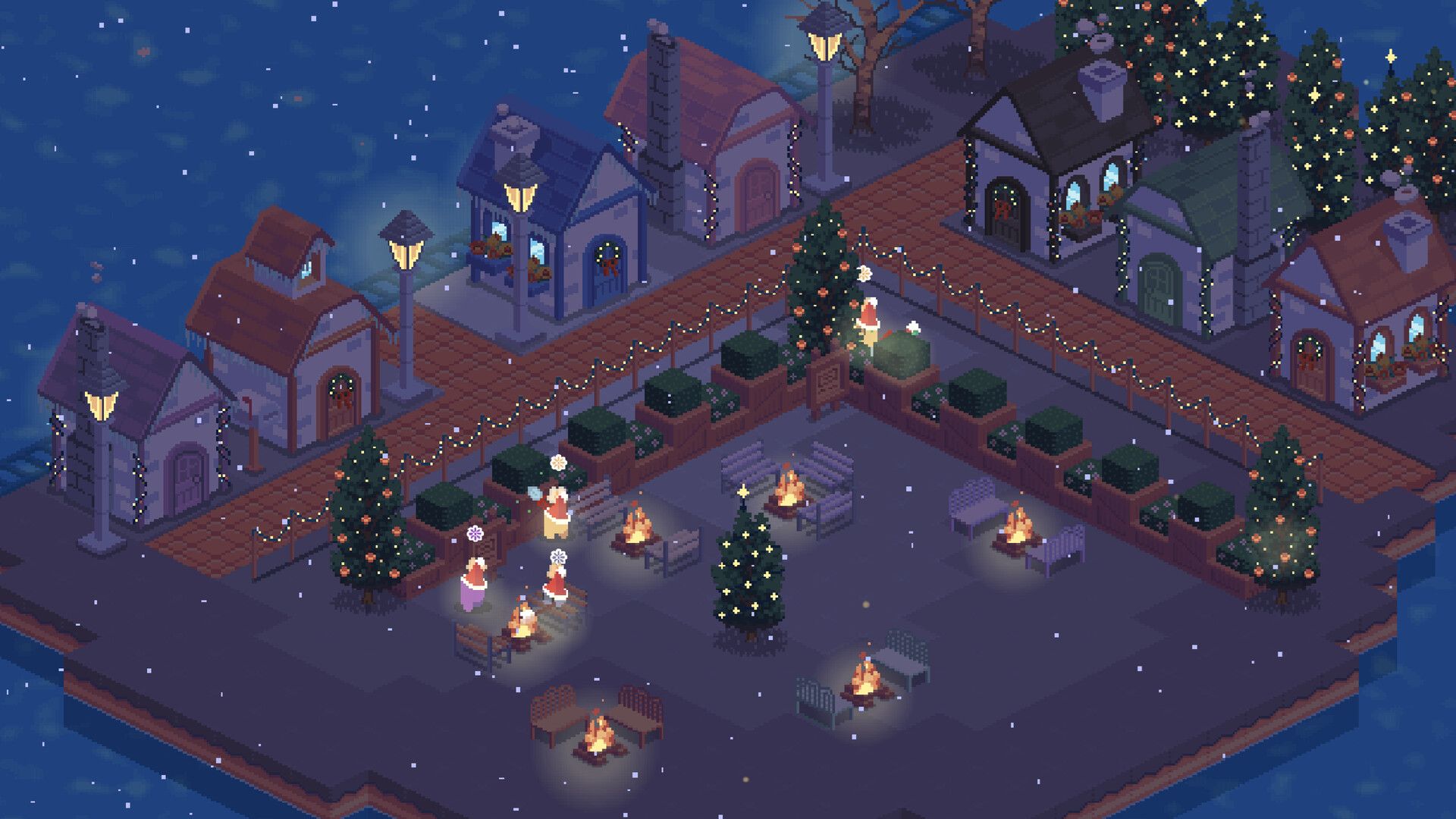
Idle window mode lets the town sit along the bottom of the display while the full-screen option is there for deliberate decorating sessions. That makes Gourdlets the least demanding choice here. It works best as a pleasant moving diorama, with occasional bursts of creativity when the main screen can spare you.
3. Tiny Pasture turns the taskbar into a pet enclosure
Tiny Pasture fills the lower edge of the screen with animals that snooze, scamper, grow, and drop coins. Those coins buy more creatures and expand the pasture, while direct interactions can speed growth and improve the rewards. The loop has more visible accumulation than Gourdlets without asking for a full management shift.
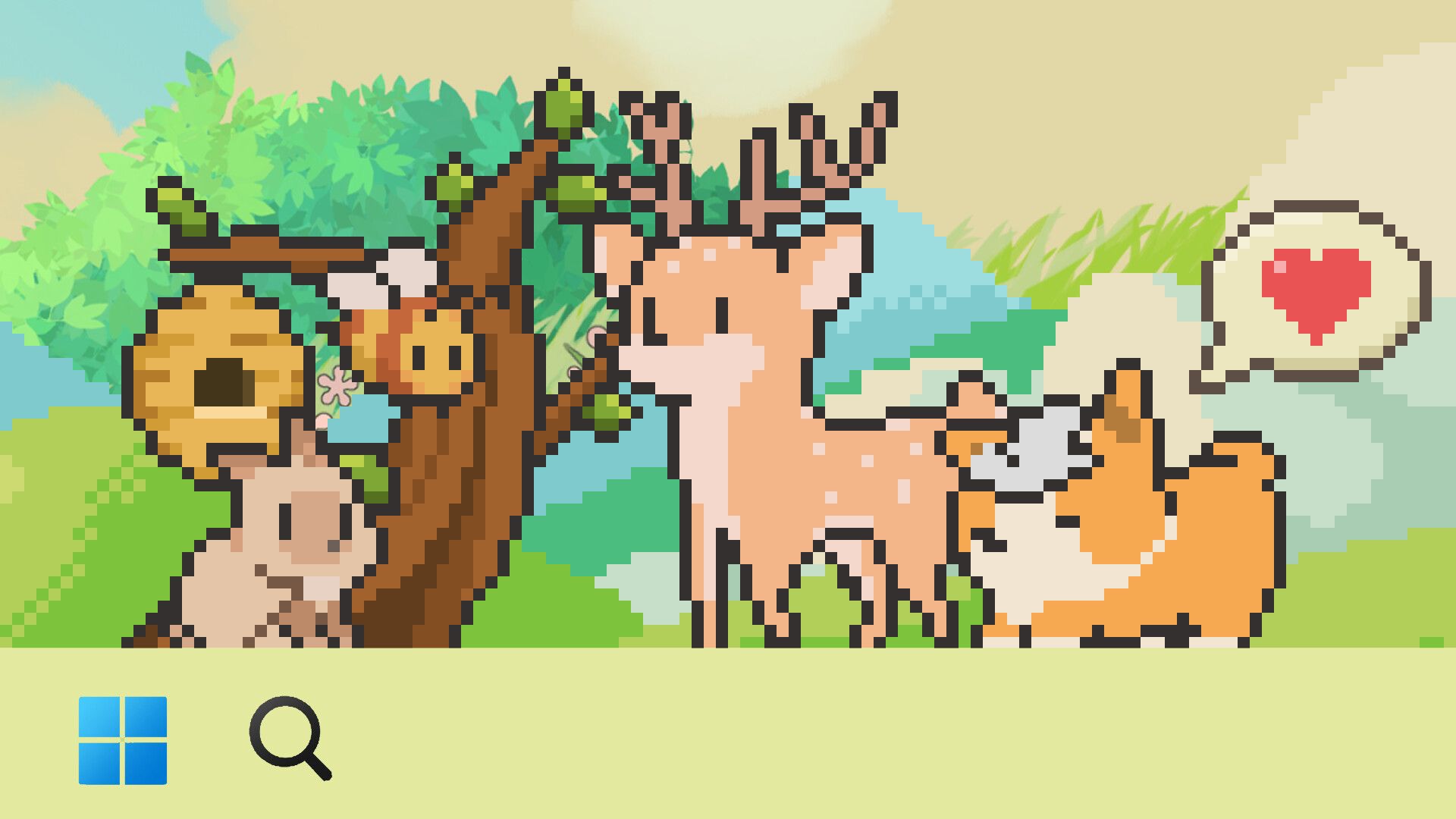
The appeal is the quick check-in. You can notice a grown animal, collect what it produced, feed the group, and return to the main screen. Choose it when the second monitor should feel like a low-pressure virtual pet shelf rather than a miniature strategy board.
4. My Little Life saves the important decisions for you
My Little Life follows small people through jobs, promotions, relationships, and increasingly elaborate homes. They handle ordinary life on their own, while career choices, household expansion, and the larger turning points wait for the player. The developers describe it as non-intrusive, with no loud alerts or urgent events that punish a late response.
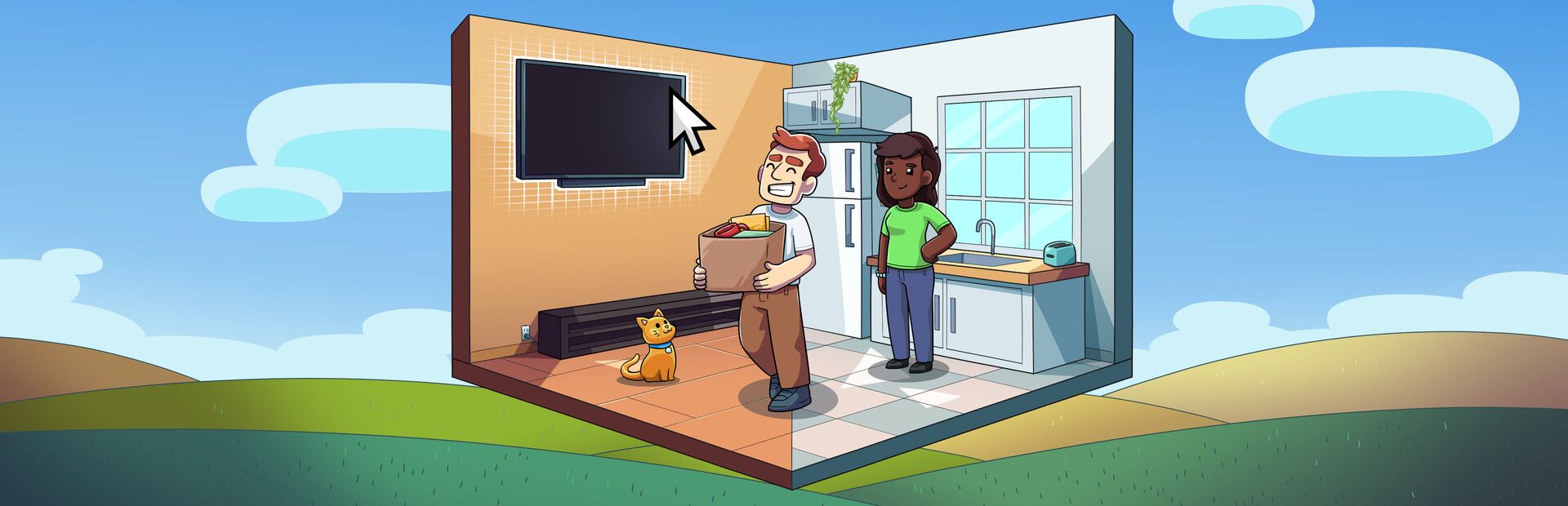
That division of labour makes it a good fit for longer sessions. There is enough progression to make a return visit meaningful, but the residents do not need supervision every minute. It suits players who want a little narrative and home design beside the main activity, rather than another counter that only climbs.
5. Ropuka's Idle Island is the smallest commitment
Ropuka's Idle Island puts one hard-working frog on a floating patch of land. Ropuka cuts grass automatically, and that grass becomes better tools, improved output, buildings, and plants. The whole island can be moved and resized, so it can occupy a quiet corner instead of claiming the entire second display.
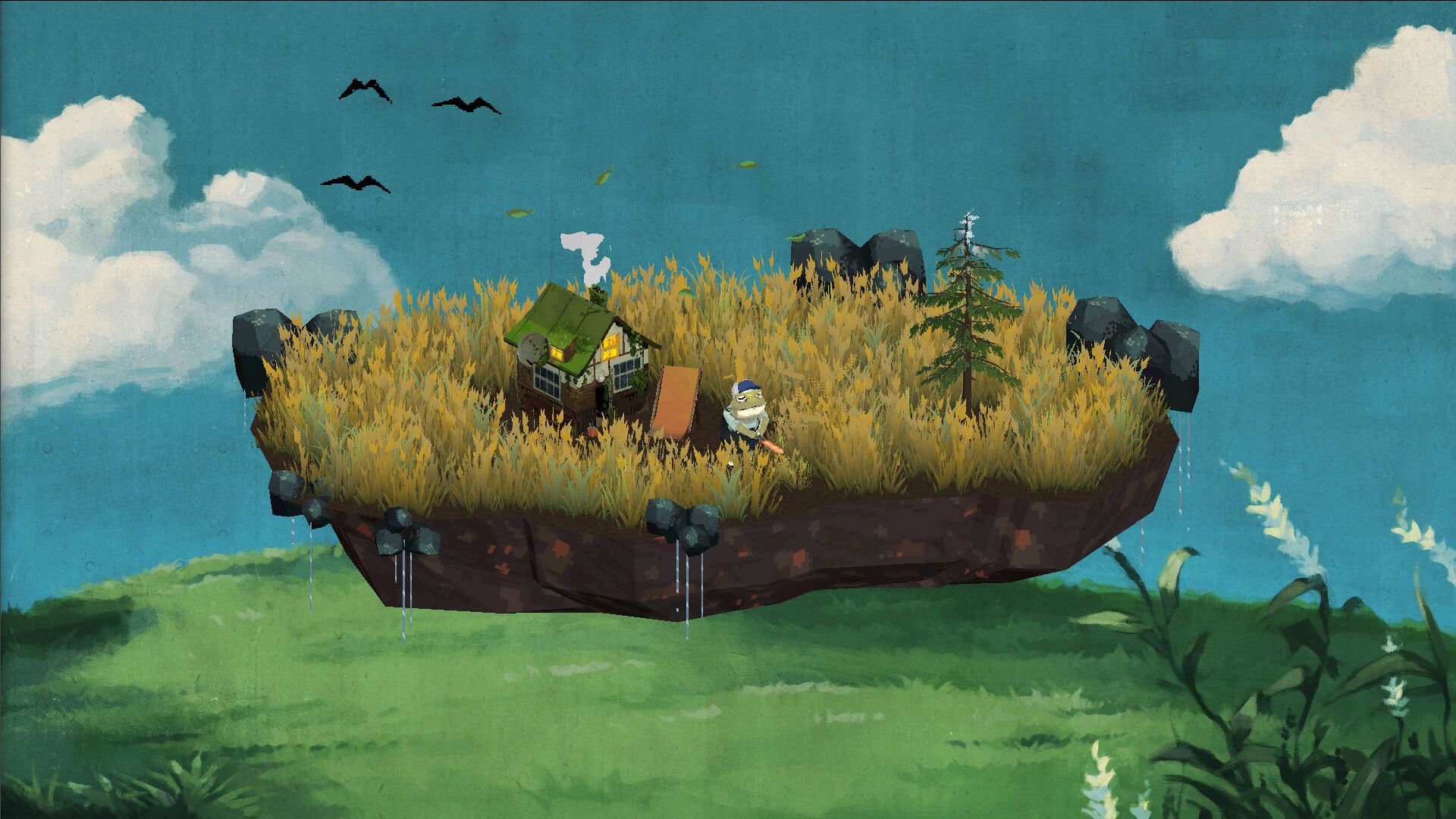
This is the cleanest choice when even a full-width desktop game feels too busy. Lofi music and ambient nature audio can turn it into a workspace companion, but both are optional when another game, stream, or call already owns the sound. Check the upgrades, change the scenery, and let the frog return to work.
6. Whimside makes the background game a collection hunt
Whimside asks for more curiosity than the other five. Its small world sits at the bottom of the screen, where creatures called Whimlings appear across different biomes. Capturing and hybridizing them opens new areas and species, while unlocked decorations build a personal space for favourite finds.
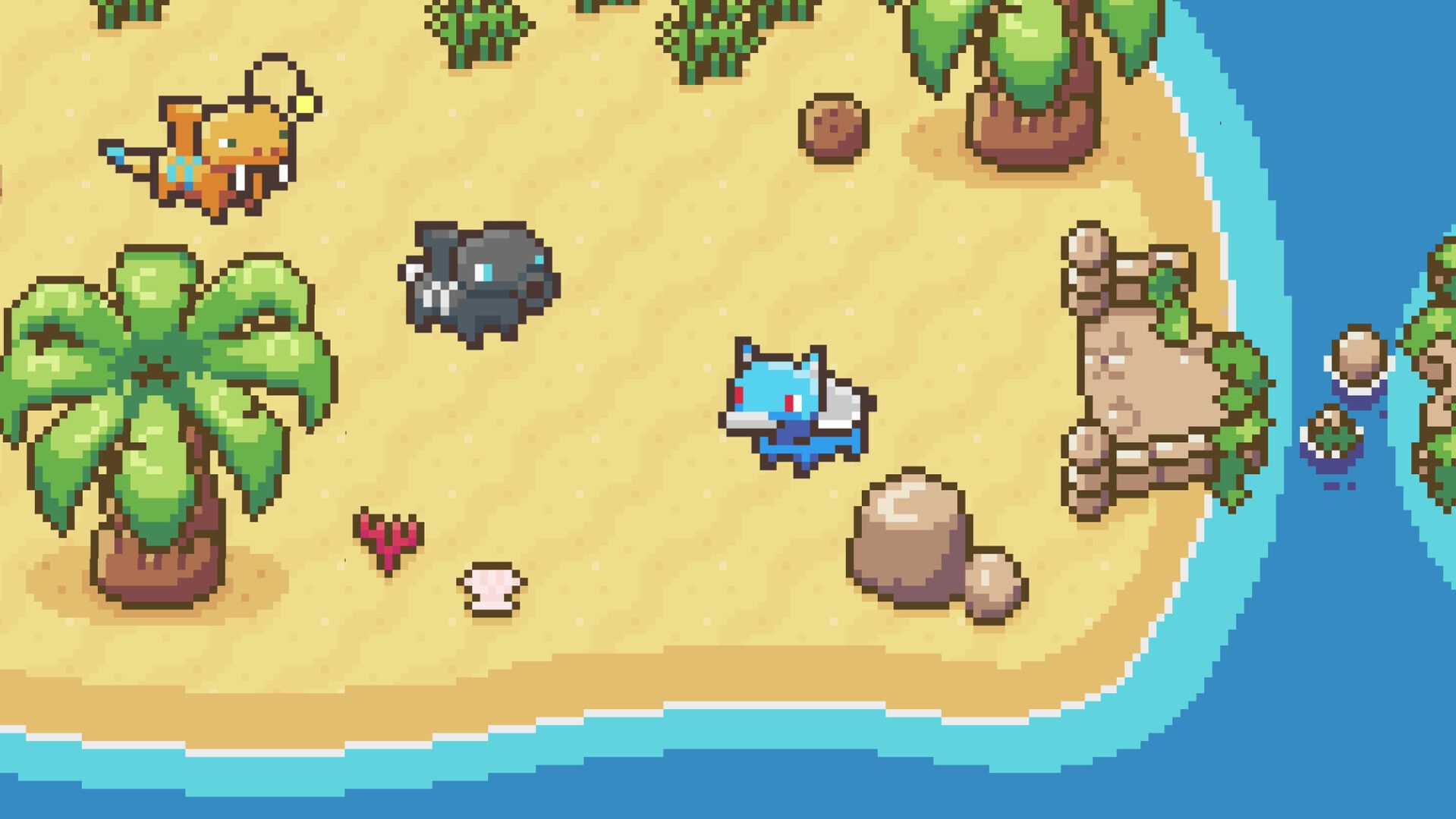
It still fits around another activity, but discoveries can pull attention back more often than an automatic farm or a single idle frog. Save it for a second monitor you actually glance at. The reward is a background game with a stronger sense of exploration, collection, and surprise.
None of these games makes divided attention free. Start with Rusty's Retirement or Ropuka's Idle Island if you want the least friction, use Gourdlets when decoration matters more than progression, and choose Whimside when the side screen is allowed to interrupt occasionally. The right pick is the one that remains pleasant after you stop watching it.