
Before You Open the Gates: 8 Planet Zoo 2 Priorities
Eight practical opening priorities for paths, habitats, staff, research, welfare, education, and cash flow before your first zoo gets expensive.
Planet Zoo 2 gives you plenty of tempting ways to spend money before the first guest reaches an animal. Aquariums, aviaries, detailed scenery, shops, and elaborate habitats can all wait. The safer opening is a compact zoo that proves it can move guests, care for one species, and earn consistently before it grows.
Frontier's official opening tutorial and established Planet Zoo guide creators differ on building style, but they agree on the management order underneath it. Plan the route first. Keep staff travel short. Make one habitat work properly. Add the systems that turn a crowd into reliable income. These eight priorities follow that shared logic.
1. Pause Before You Place Anything
The first useful move is to stop the clock and inspect the map. Find the entrance, note the shape of the usable land, and decide where guests, staff, and the first habitat will go. Spending while the zoo runs creates two problems at once: construction costs accumulate while staff salaries and other operating expenses begin to matter.
Sketch a small opening loop rather than a finished park. You need space for a guest path, one habitat, a viewing area, and a service route behind it. Leave one or two obvious branches for later expansion. That is enough structure to stop the entrance becoming a knot of paths and facilities that must be rebuilt after the zoo opens.
This is also the time to decide what the first attraction is meant to do. A terrestrial habitat is the simplest way to learn the economy and welfare tools. Planet Zoo 2's custom aquariums and aviaries are headline features, but neither has to carry the opening day. They make better second projects once the basic zoo can pay for them.
2. Draw the Guest Route Before the Habitat
Paths are the backbone of the park. They decide where guests gather, where they can see animals, and whether staff can reach the habitat without walking through a crowd. Place the main guest path and intended viewing stretch before closing the habitat barrier.
Keep the opening route broad and legible. A simple loop or a short main path with one return route is easier to manage than several decorative branches. Reserve a flat connection for the habitat gate and keep the staff approach on the rear side. If a viewing area will become busy, give it enough width now instead of trying to widen it through a finished build later.
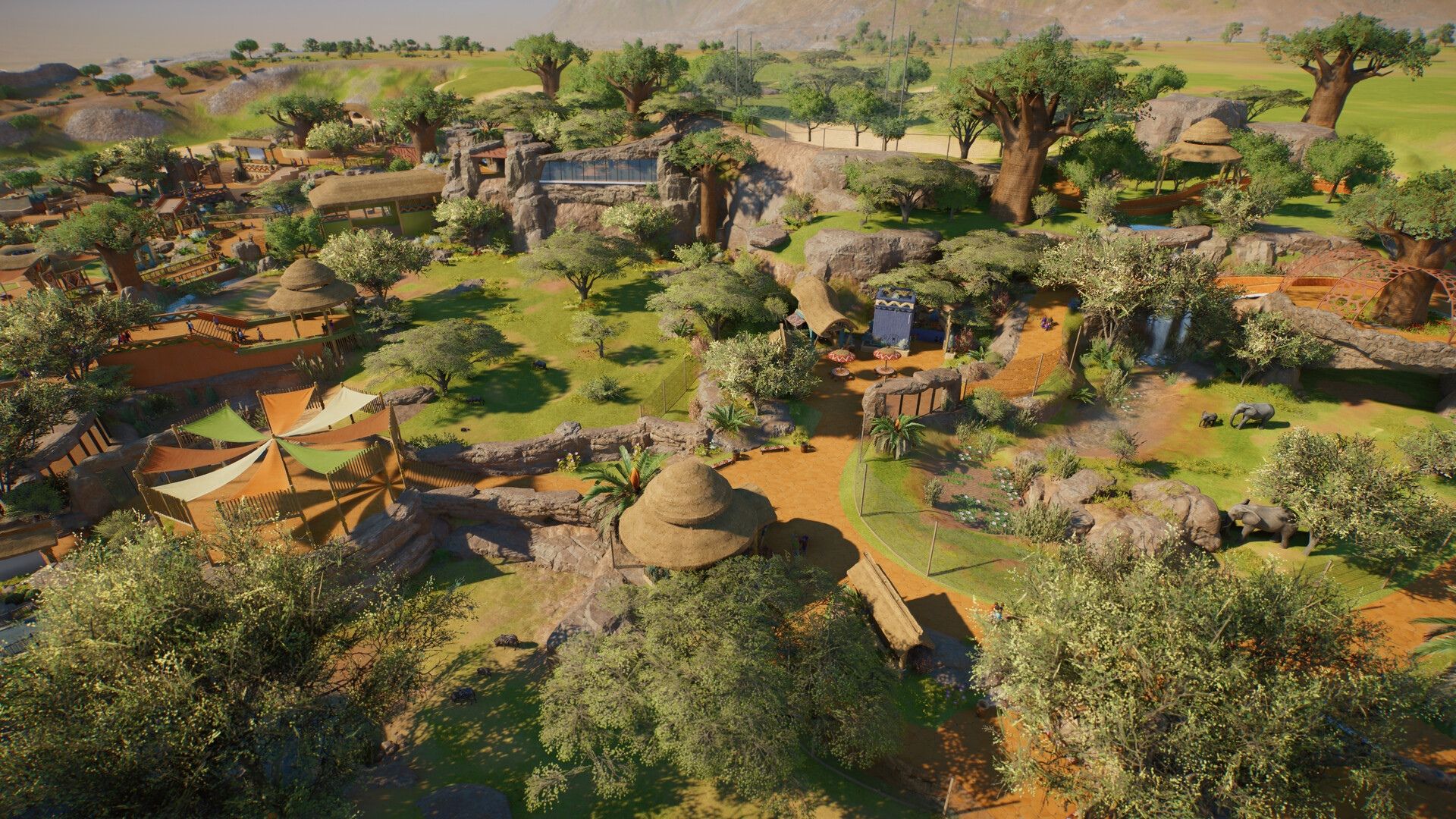
The goal is not a perfectly square enclosure. It is a habitat whose best sightline meets a path that can handle a crowd. Planet Zoo 2 offers more flexible path tools, but flexibility is most useful when the route has a clear job.
3. Build a Compact Backstage Spine
Frontier divides a working zoo into guest, staff, and animal infrastructure. Treat the staff side as one compact service spine behind the first habitat. Place the keeper hut, staff room, trade centre, quarantine, vet surgery, and research centre close enough that workers are not crossing the park for every task.
Keep this cluster away from normal guest traffic. Staff facilities can reduce guest happiness when they sit in public view, and hiding them behind the habitat solves that without forcing workers onto long routes. Connect the buildings with staff paths and leave room for utilities such as a generator or water filtration where the first habitat needs them.
Short staff journeys are more valuable than a beautiful backstage building on opening day. The walls and scenery can come later. First, make sure every required facility is powered, connected, and close to the job it supports.
4. Choose One Forgiving Starter Species
The first animal should fit the zoo you can afford, rather than the zoo you eventually want. Check the Zoopedia before adopting anything. Compare group size, space, terrain, shelter, temperature, food, water, barrier, and social requirements. A species with manageable needs gives you more room to correct mistakes without draining the budget.
Build for a small viable group and leave expansion room behind the habitat. Avoid buying a large group simply because several animals are available in the market. Every additional animal increases space and care demands, and an impressive population does not help if the habitat cannot meet its needs.
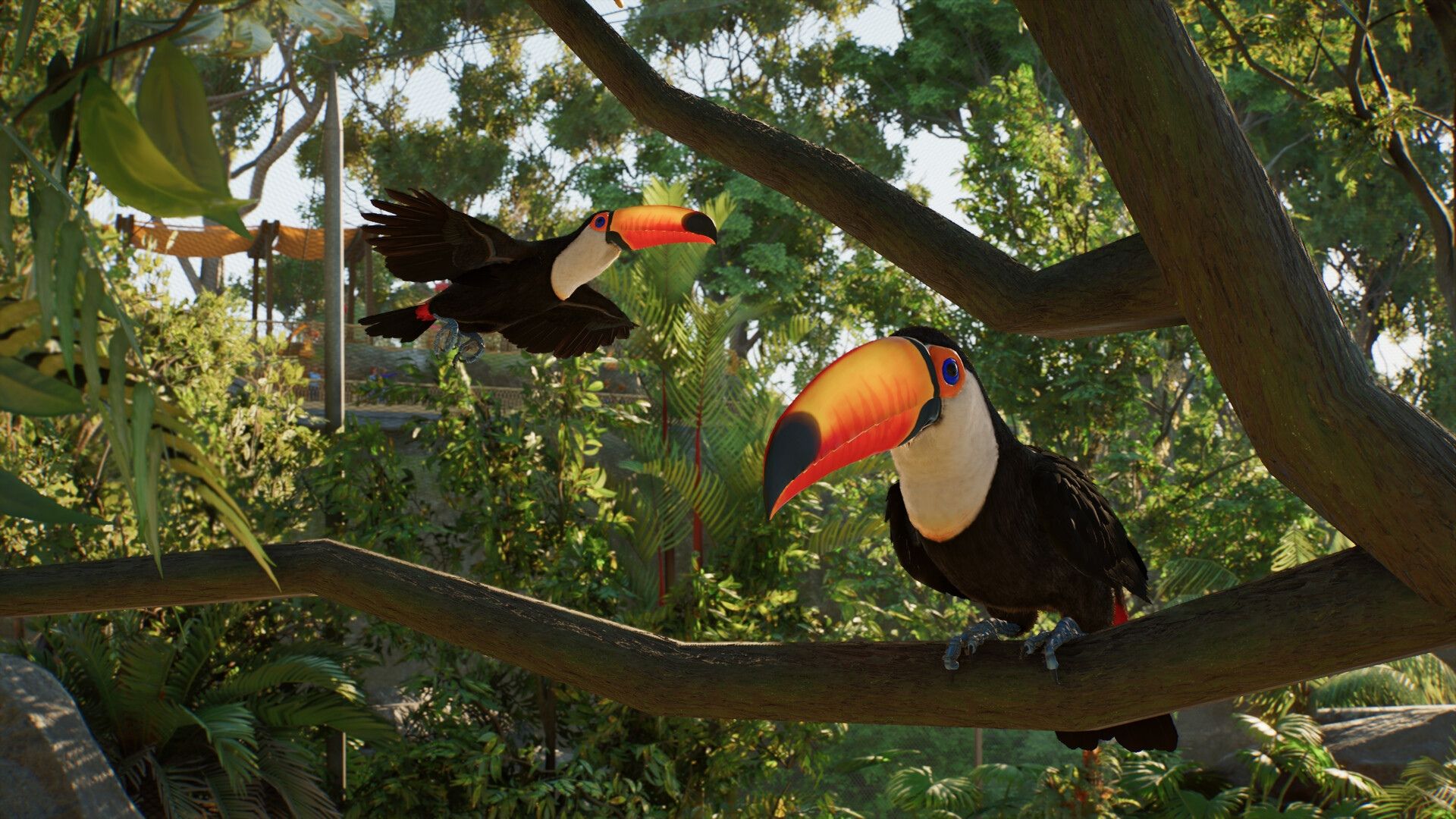
This is another reason to postpone the most elaborate aquarium or aviary concept. Planet Zoo 2 supports terrestrial habitats, aviaries, and freshwater or saltwater aquariums, but the first exhibit only needs to establish a dependable care and income loop. The new systems will still be there when the zoo is stable.
5. Hire the Smallest Team That Can Complete the Loop
Do not fill the staff list in advance. Hire for the jobs that already exist. A keeper needs to feed and clean the first habitat. A caretaker moves animals and handles public-area work. A vet supports quarantine, treatment, and species research. A mechanic becomes necessary when barriers, power, water, or mechanical research need attention.
Give that team a staff room and keep wages in view. More employees can solve a visible queue while quietly creating a permanent expense. It is better to add a role when the workload proves it is needed.
Create a work zone around the first habitat, its gate, and the nearby support buildings. Planet Zoo veterans repeatedly recommend work zones because they stop staff wandering across the map. Planet Zoo 2 also adds more detailed scheduling, but the principle stays simple: assign people to a small area before trying to optimise an entire park.
6. Quarantine First, Then Clear Every Welfare Warning
Send new arrivals through quarantine before moving them into the habitat. It adds a step, but it prevents an unhealthy animal from becoming the zoo's first avoidable crisis. Once the animals arrive, pause again and work through their welfare panels one category at a time.
Fix space and social requirements first, then terrain, plants, shelter, food, water, enrichment, and any filtration or temperature needs. Do not assume the habitat is finished because the barriers look complete. Frontier's own opening example checks enrichment and water filtration before delivery.
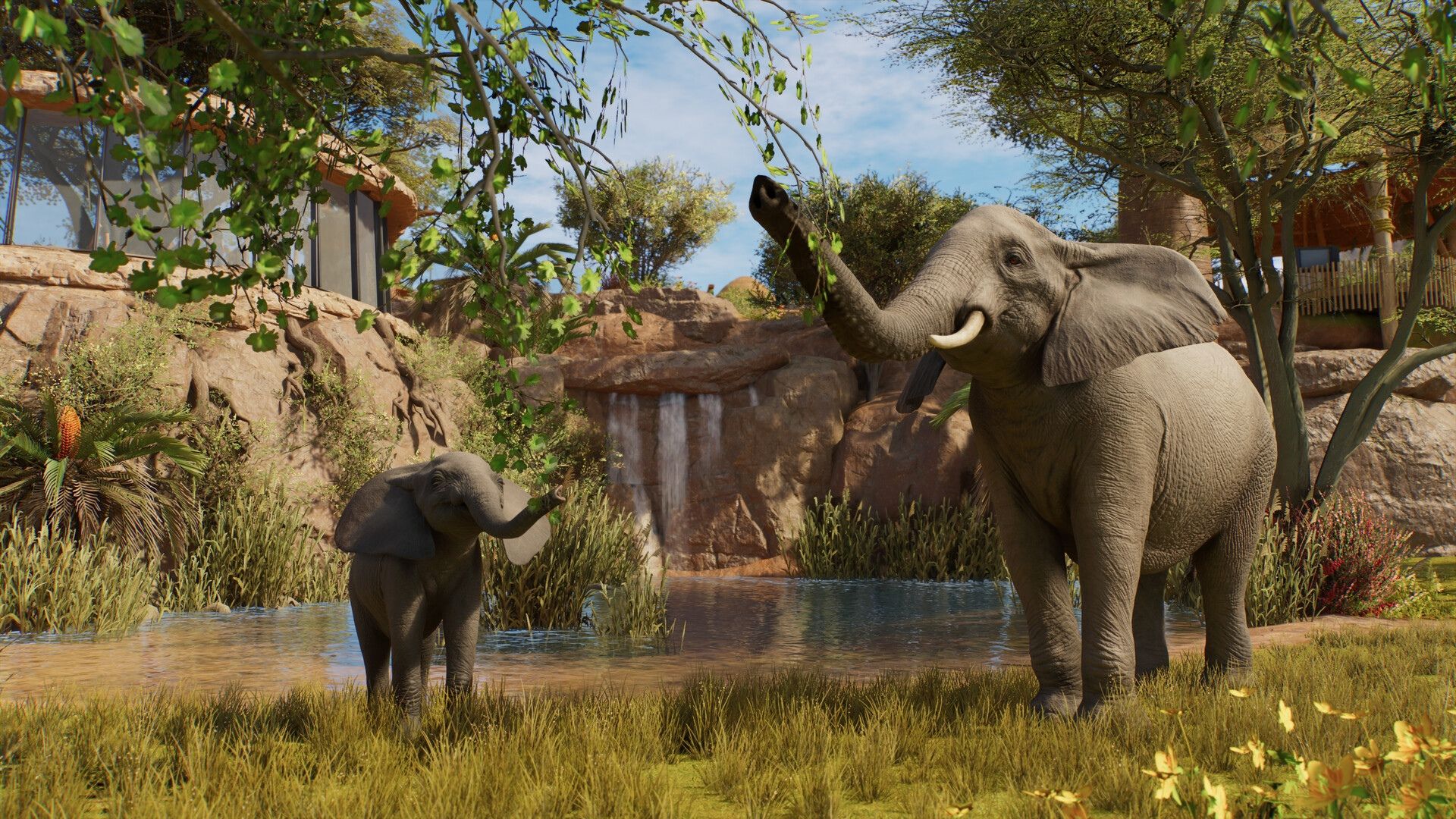
Use the heat maps and alerts as diagnostic tools. They are faster than guessing why a score is low. Open the gates only when the animals are settled and the keeper can reach everything required to maintain them.
7. Start Research Before You Start Decorating
Assign the vet to the first species as soon as its immediate care is under control. Species research unlocks better food, enrichment, and education options. Those upgrades improve the same habitat instead of forcing the zoo to buy another attraction whenever progress slows.
Mechanical research can wait until a specific facility or construction unlock becomes useful, but it should not be forgotten. The important point is to keep research active while the zoo operates. An idle research centre is money spent on a building that is doing nothing.
Creators split on how much decoration belongs in an opening build. The sensible compromise is functional scenery first. Hide ugly service views, give animals the cover they require, and make the viewing area readable. Save dense theming for the point when the zoo has positive cash flow and the first habitat no longer needs corrections.
8. Put Education and Donation Bins at the Best View
A habitat does not become financially useful just because guests can reach it. Give them a clear place to stop, learn, and donate. Put education for the correct species and donation bins beside the strongest viewing point, then watch how guests actually use the space.
If people cluster somewhere else, move the supporting items to that real stopping point. Add seating, bins, toilets, and food only when guest behaviour shows a need. Shops create running costs and can pull attention away from a weak first attraction, so a compact guest area is safer than a full entrance plaza.
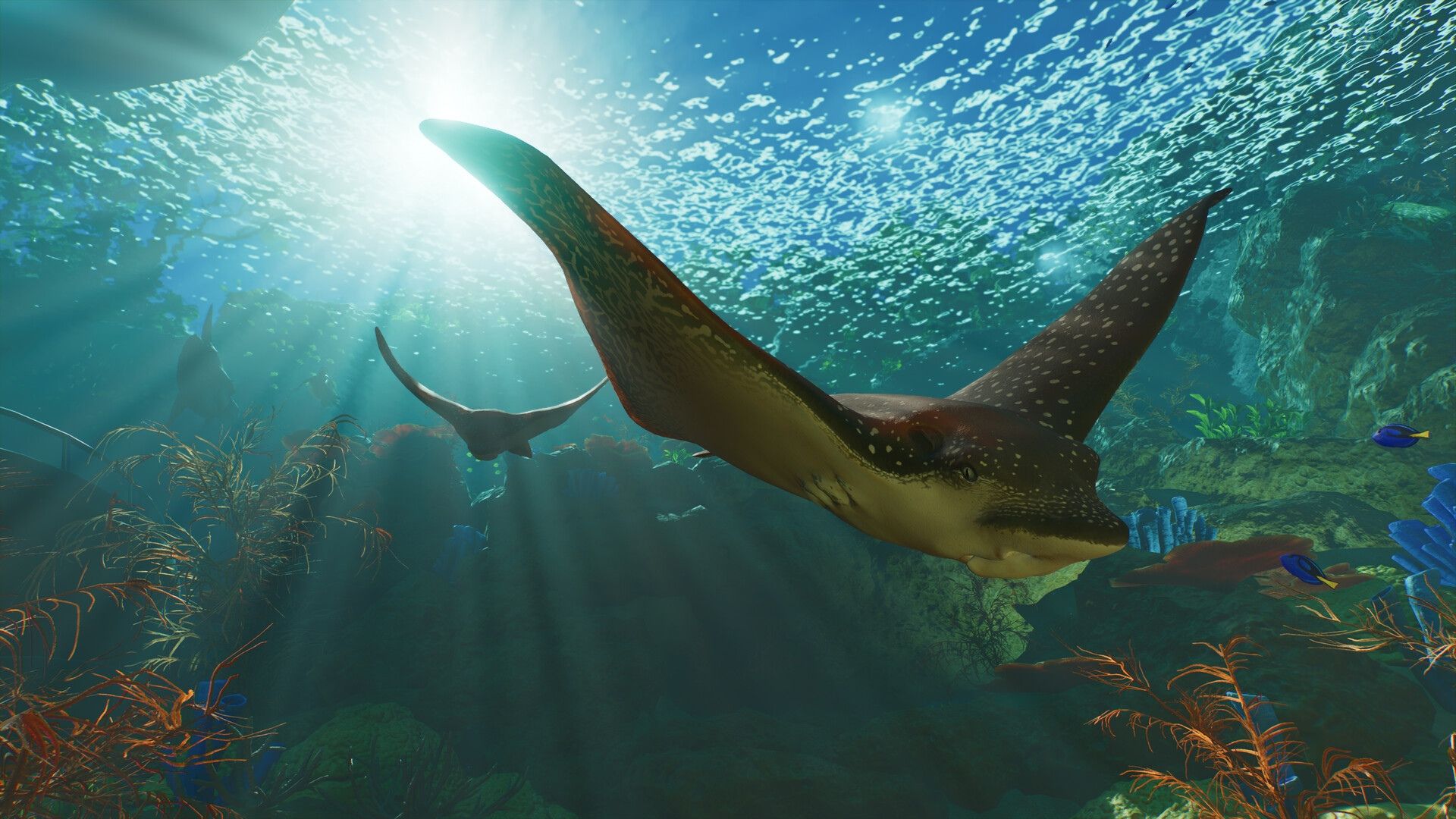
Read guest thoughts, check ticket-price feedback, and watch the finance panel before expanding. The first habitat has done its job when welfare stays high, staff complete their work without long delays, guests donate, and the zoo remains profitable. That is the signal to add the aquarium, aviary, second habitat, or more ambitious scenery you wanted at the start.
Planet Zoo 2 rewards big ideas, but the opening should be deliberately small. Build one clean loop, prove that it works, and let the first animals finance the next attraction.