
What Does Satisfactory Patch 1.2.4.1 Fix?
Satisfactory patch 1.2.4.1 restores mod audio support and targets blank signs, conveyor-monitor crashes and console audio freezes.
Satisfactory patch 1.2.4.1 restores audio support used by mods and fixes signs turning blank when a save loads. Coffee Stain's October 12 update also addresses two Conveyor Throughput Monitor crashes, console audio freezes and an audio-related crash when exiting the game.
For players affected by those specific problems, this is a reason to update before returning to the factory. It is not a guarantee that every mod or crash has been fixed.
Audio mods get MetaSound support back
Coffee Stain has re-enabled audio routing so MetaSound works by default again. The studio says disabling it after updating its internal Wwise version to 2025.1.6 prevented some audio-related mods from working. Engine.ini is also restored to its original status to prevent problems with versions created by the preceding patch.
The developer hopes workarounds made by modders in the meantime will remain unaffected. That is an expectation, not confirmed compatibility for every workaround. Check the affected mod's own updates and test your setup after installing the patch.
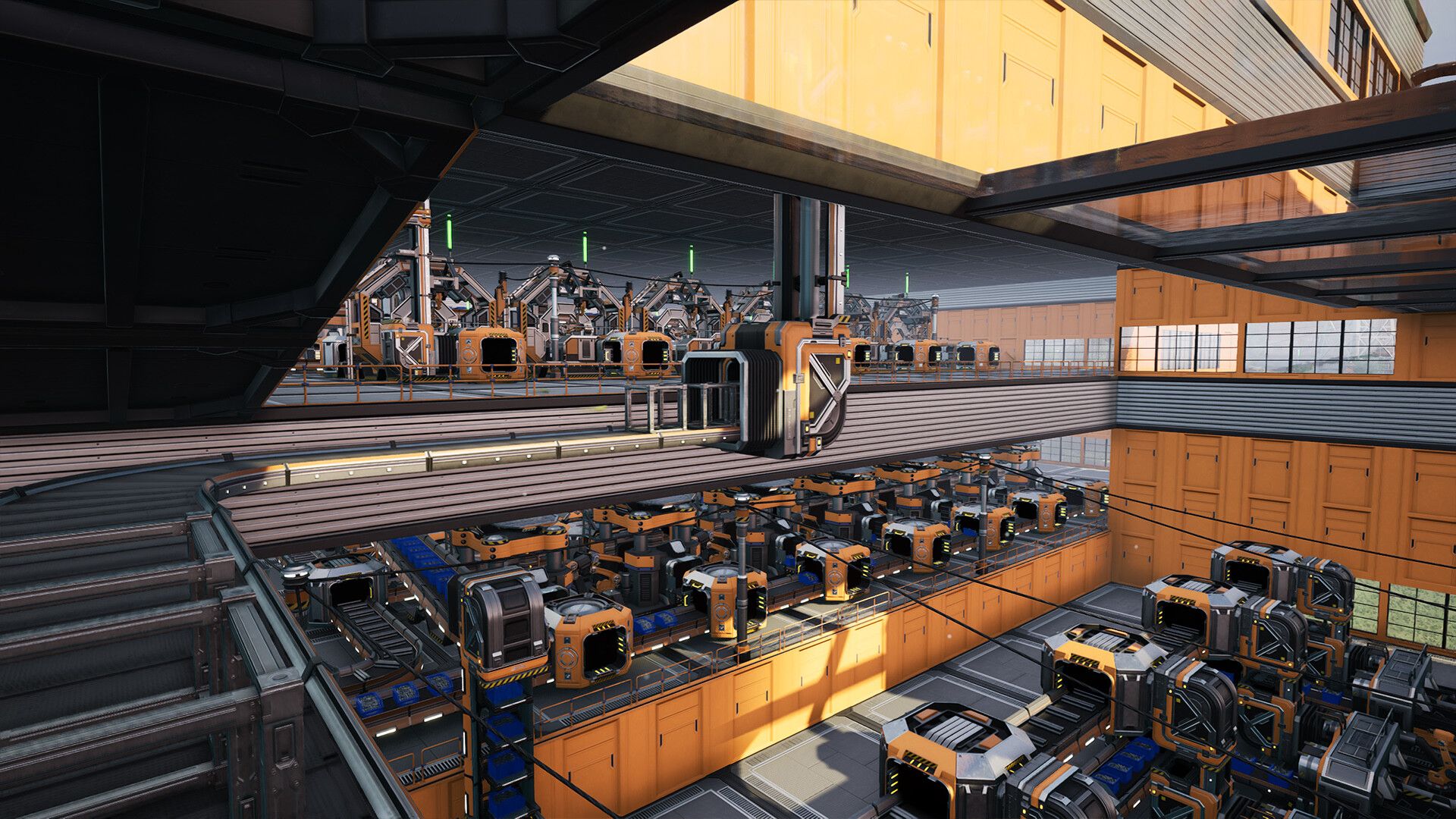
The sign repair targets signs near a Pioneer losing their contents while a save loads. For Conveyor Throughput Monitors, one fix addresses dedicated servers crashing when placing a monitor on a belt. The other addresses a crash when aiming at a belt with several monitors after one was recently dismantled.
The notes also list a console audio/Wwise freeze and an audio callback crash when exiting. Coffee Stain has not supplied frame-rate measurements, and Game Pelt has not independently tested these repairs.
Update for the listed problem that affects you, then retry the same action or save. If it still fails, report the game version, reproduction steps and relevant mods through Coffee Stain's official QA site. Those details are more useful than assuming an unrelated crash has the same cause.