
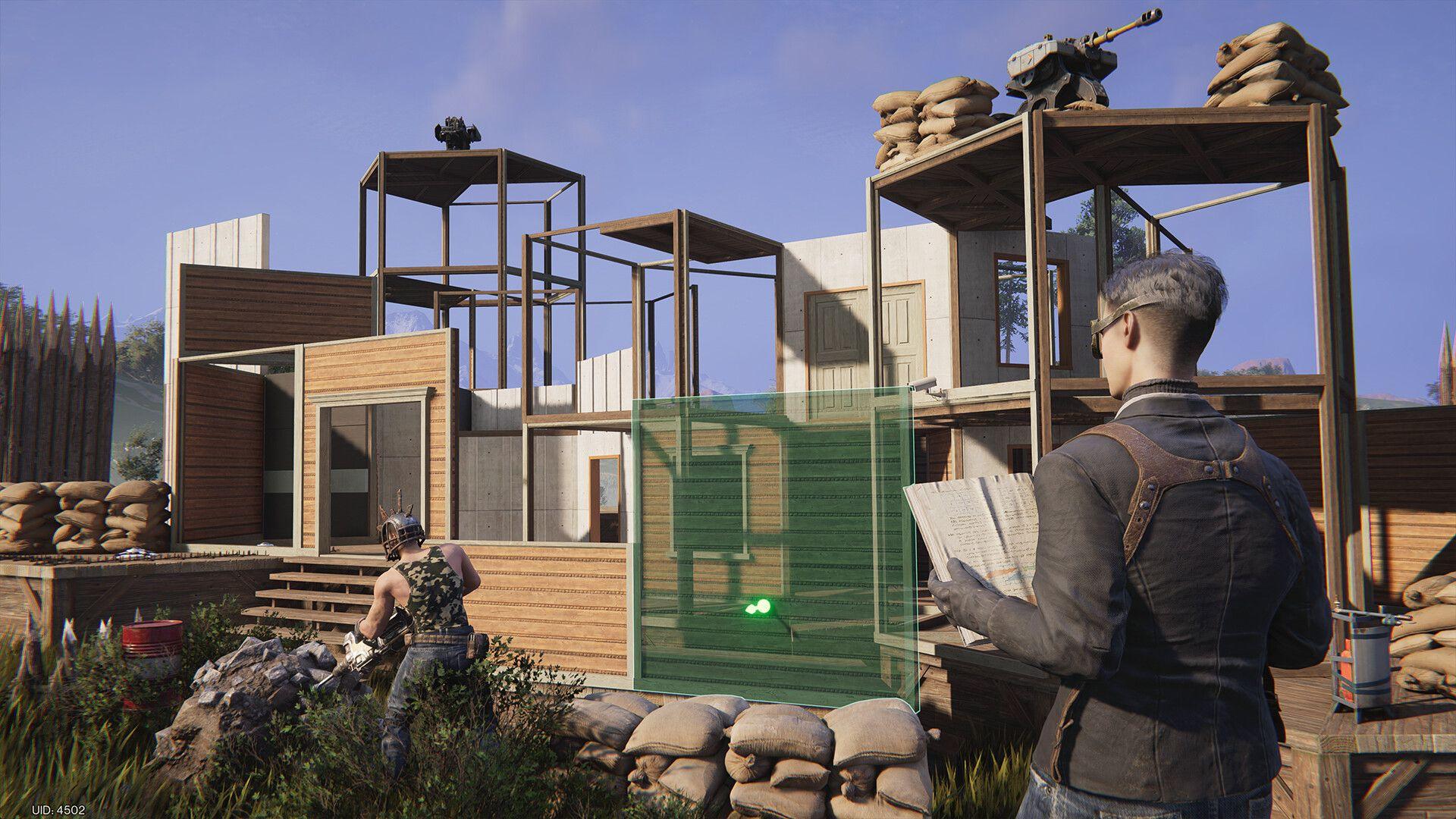
Once Human Temporarily Disables Global Snapping for Design Layouts
Once Human temporarily disables design layout global snapping to protect layout data. The November 5 notice promises a fix but gives no restoration date.
Once Human is temporarily disabling design layout global snapping because the feature may affect Territory design layout data. The development team announced the precaution in its November 5 bug-fix notice and said the feature would return after the fix is complete. It did not give a restoration date.
The notice names design layout global snapping specifically. It does not announce a shutdown of all Territory building or say that every placement and snap-point tool has been removed. That distinction matters if you are planning a build around the recent 3.1.2 changes.
What the layout warning does and does not confirm
The team says the change is intended to protect layout data. It does not explain the technical cause, identify how many players might be affected, or confirm that players have already lost saved layouts. A warning that data may be affected is not evidence of a confirmed layout wipe.
There is no player-side repair procedure in the notice. If the global snapping option is unavailable, do not treat deleting a saved layout or rebuilding your Territory as a verified fix. The announced remedy is a developer fix followed by re-enabling the feature.
Our practical 3.1.2 changes list covers other controls and building additions, including whole-house movement and snap-point selection. Those are separate descriptions, not a promise that global snapping remains available.
Reporting a problem with a layout
The official notice directs PC players to ESC, then Support & Feedback, then Submit Suggestion. On mobile, open the map's left-side menu, choose the headphones icon at the bottom right, then Suggestions and Submit Suggestion.
Check the official bug-fix notice for subsequent updates rather than relying on a guessed return date.
More coverage is collected on our Once Human page.