
Which Witcher 3 Remastered Changes Should You Use First?
Eight practical Witcher 3 Remastered tips for the new skill tree, Reforge, merged loot, combat camera, escape controls and more.
Loading an old Witcher 3 save? Open the character screen before taking another contract. Remastered resets your skill points, changes how you reach abilities, and adds several shortcuts that are easy to miss if you head straight back onto the road.
These eight tips focus on the September 29, 2026 Remastered release. They cover the new systems and controls, rather than treating familiar advice about Quen or sword oils as a new discovery.
1. Plan the skill path before spending the refund
Choose the ability you want to build around, then follow its prerequisites back through the tree. The old approach of spending enough points in a category no longer tells you which skill opens next. Read the current effects too; familiar names are not a guarantee that every bonus stayed the same.
Rebuilding is more than buying the skills. Check the equipped ability slots before closing the menu. If you are returning with a developed character, finish that check before testing the build against something dangerous. A refunded point sitting in the menu is doing nothing for Geralt.

2. Pick equipment for its stats, then use Reforge
Keep the gear that suits your build even when you dislike its appearance. Reforge lets you change the look without replacing the item's stats. Yoana and Hattori are the craftsmen named for this service, so look for it with them rather than expecting every village smith to offer it.
Adding equipment and crafting diagrams to your inventory unlocks appearances. Check the available looks in Reforge before spending crowns solely on an outfit. The useful change is having separate decisions: what Geralt needs to wear, and what you want it to look like.
3. Turn on merged loot before clearing another camp
Open Settings, then Gameplay, and enable the option that groups nearby loot. After a fight, it combines nearby items into a shared loot window and cuts down the repeated opening and closing of individual containers.
Nearby is the important limit. If enemies died across a wide area, check the other bodies instead of assuming one window collected everything. Use the item details in the loot window to decide what is worth carrying before another haul fills the inventory.
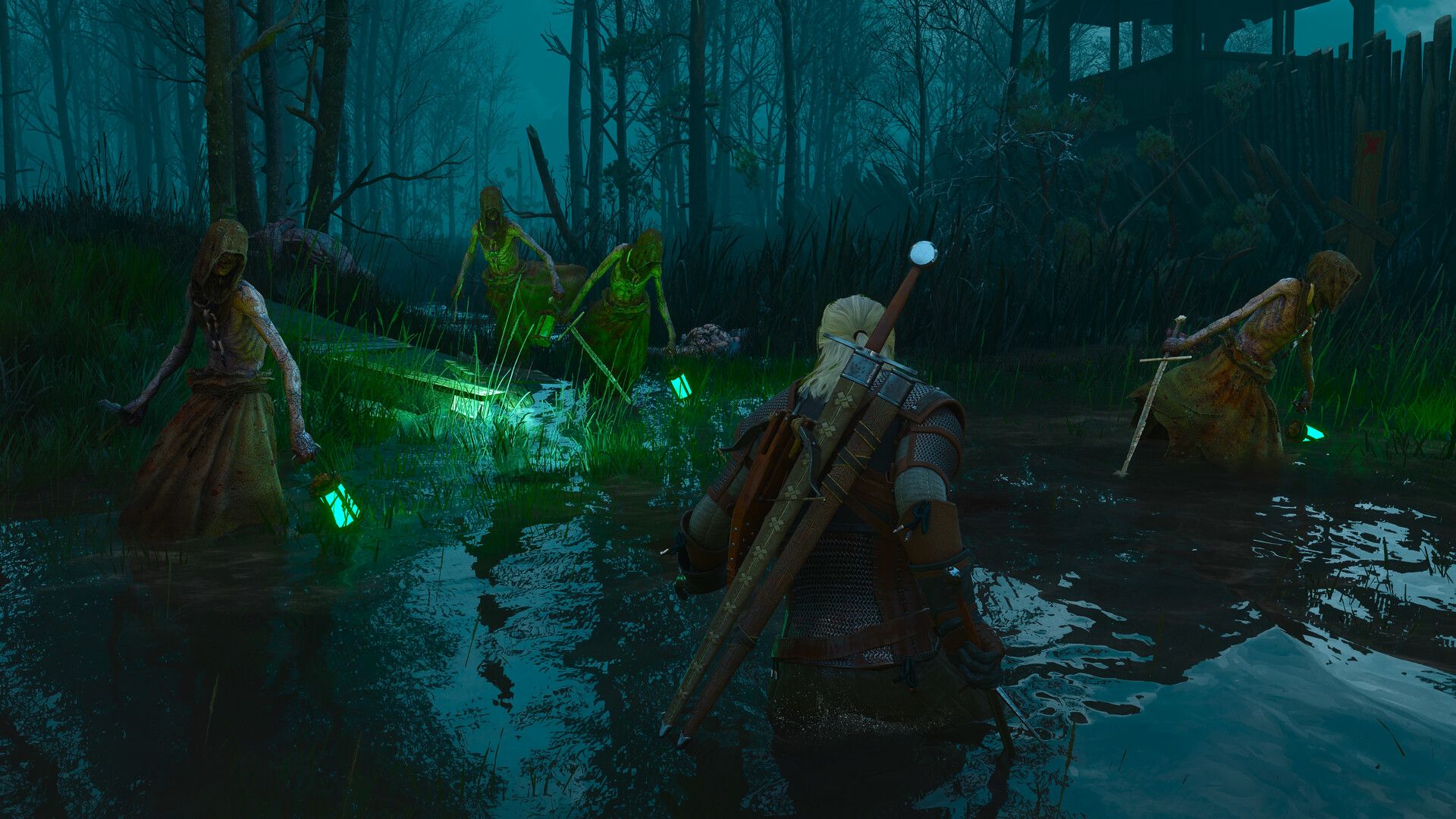
4. Compare the combat cameras in an ordinary fight
Try the new dynamic combat camera against a small, familiar enemy group before committing to it for a difficult contract. Watch whether you can follow threats beside Geralt and judge the space behind him. A view that looks good while walking might be less comfortable during a crowded fight.
The earlier camera choices remain available. Keep the one that makes attacks and positioning easiest for you to read. This is a visibility choice, not a setting with one correct answer for every player.
5. Learn the disengage input before you need it
When a fight is going badly, hold the dodge button to release the target lock, then press sprint to leave. With default bindings, that is Alt then Left Shift on keyboard, Circle then X on PlayStation, or B then A on Xbox. Check your own bindings if you changed them.
Practice the sequence somewhere manageable. When you need to retreat, choose a clear direction first so the escape does not send you into a wall or another group. The input helps you leave combat; it does not make the route safe.
6. Check the pickup prompt before getting off Roach
Remastered lets you collect loot while mounted. When you stop beside something you want, check whether you can pick it up from the saddle before automatically dismounting.
This is especially useful when gathering along a journey: stop, collect, and continue. If the interaction will not reach, reposition or get off. There is no benefit in spending longer fighting the prompt than the old pickup would have taken.

7. Select the nearby quest from the map
Untracked quests now have their own map marker, which you can select to track that quest. Before crossing a region, inspect the objectives near your route and switch to the one you actually intend to tackle next.
That turns the map into a useful planning screen instead of a reason to keep bouncing back to the journal. Check the selected objective before leaving town, particularly when several quests occupy the same area.
8. Adjust Bard's Ballad one option at a time
Open Settings, then Accessibility, to inspect Bard's Ballad. Its assists are customizable, so you can address the part of the game that is wearing you out without accepting every change in the preset.
For example, ignoring item weight addresses inventory interruptions, while unlimited equipment durability removes repair upkeep. Those are different problems. Enable the help you want, play for a while, then decide whether anything else needs changing. You do not have to prove anything to an inventory screen.
Start with the skill rebuild and merged loot. Then test the camera and escape controls before your next serious fight. The rest can fit around the way you actually play.